Installing Reactor 
Reactor is a mod that provides various features:
- It ensures everyone joining your lobby has the same mods and versions as you.
- It allows you to send custom RPCs (commands) to other clients.
- It provides features such as registering credits, localization and asset bundle loading
- It provides utilities such as logging, coroutines, useful extension methods and useful attributes
- It includes various fixes for game bugs
You can install it by following the instructions below:
Step 1
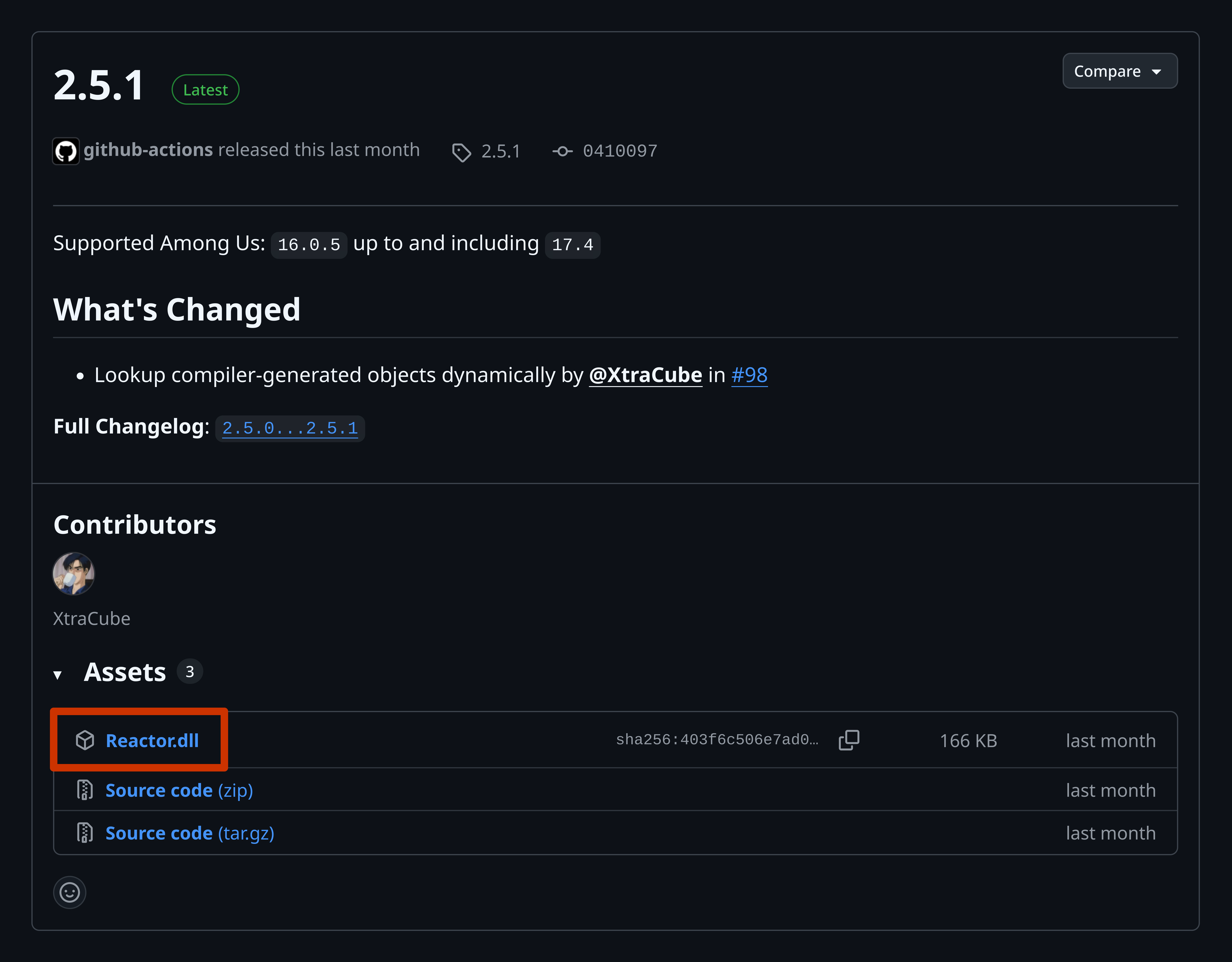
Open https://github.com/NuclearPowered/Reactor/releases, and download the Reactor.dll file as highlighted in the image below:
Step 2
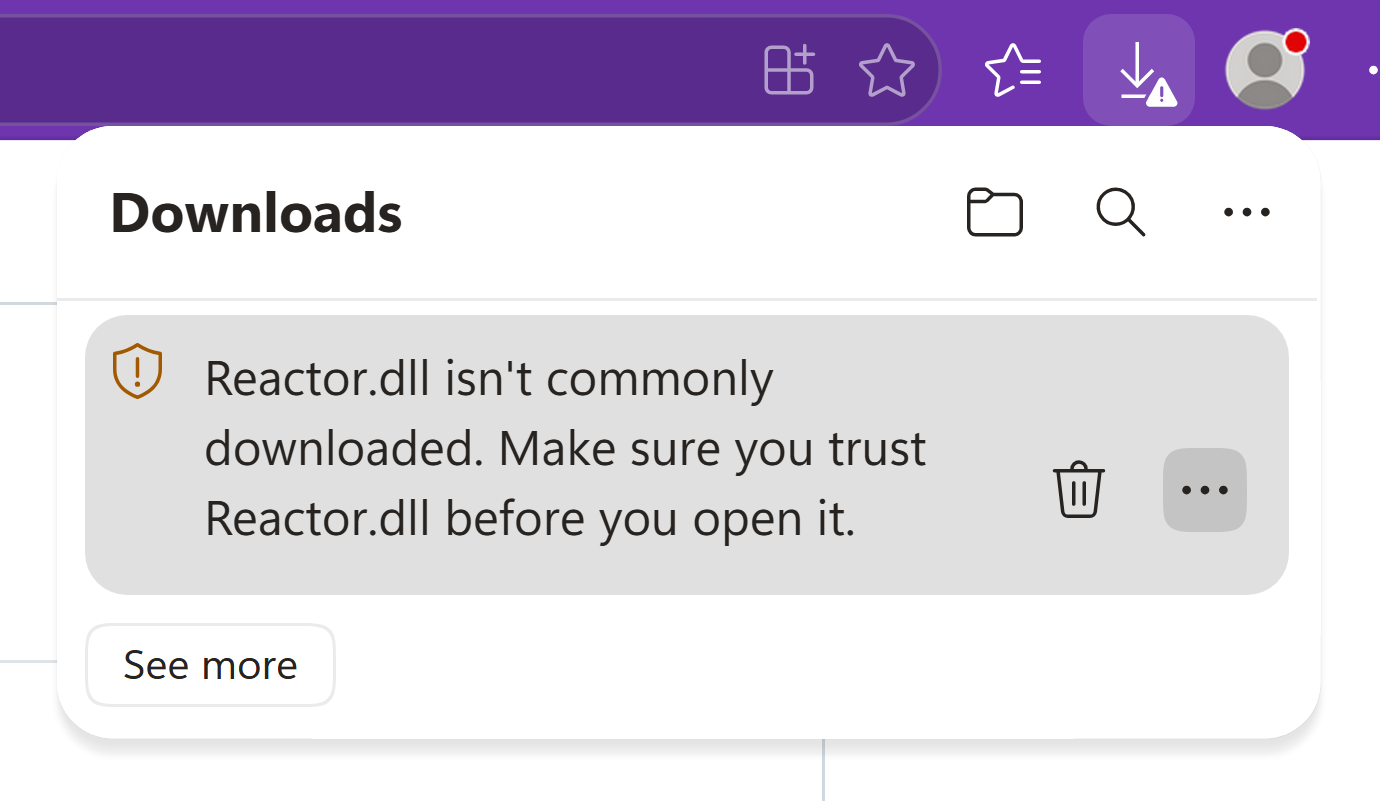
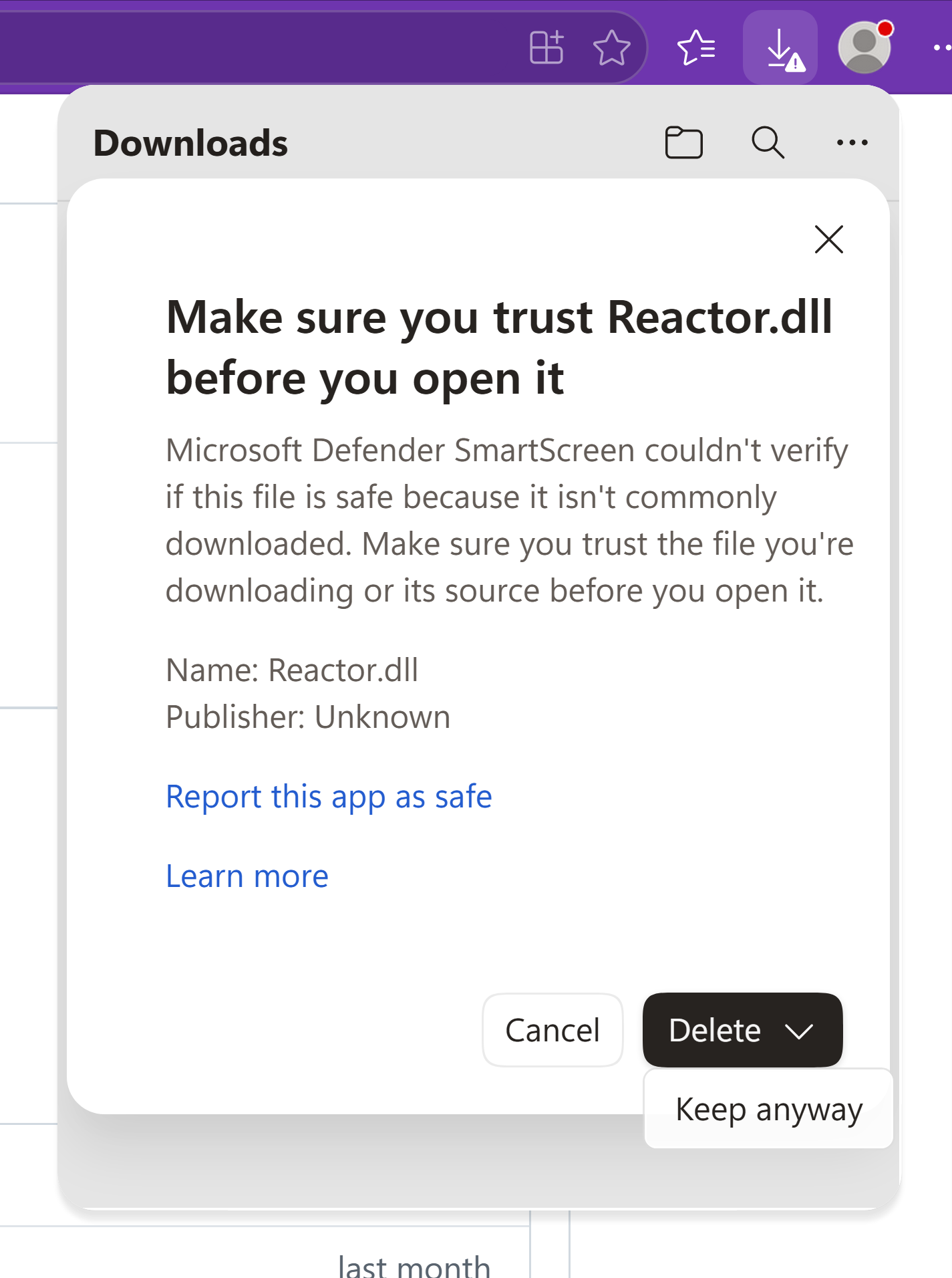
Your browser may warn you that the file is unsafe like illustrated below:
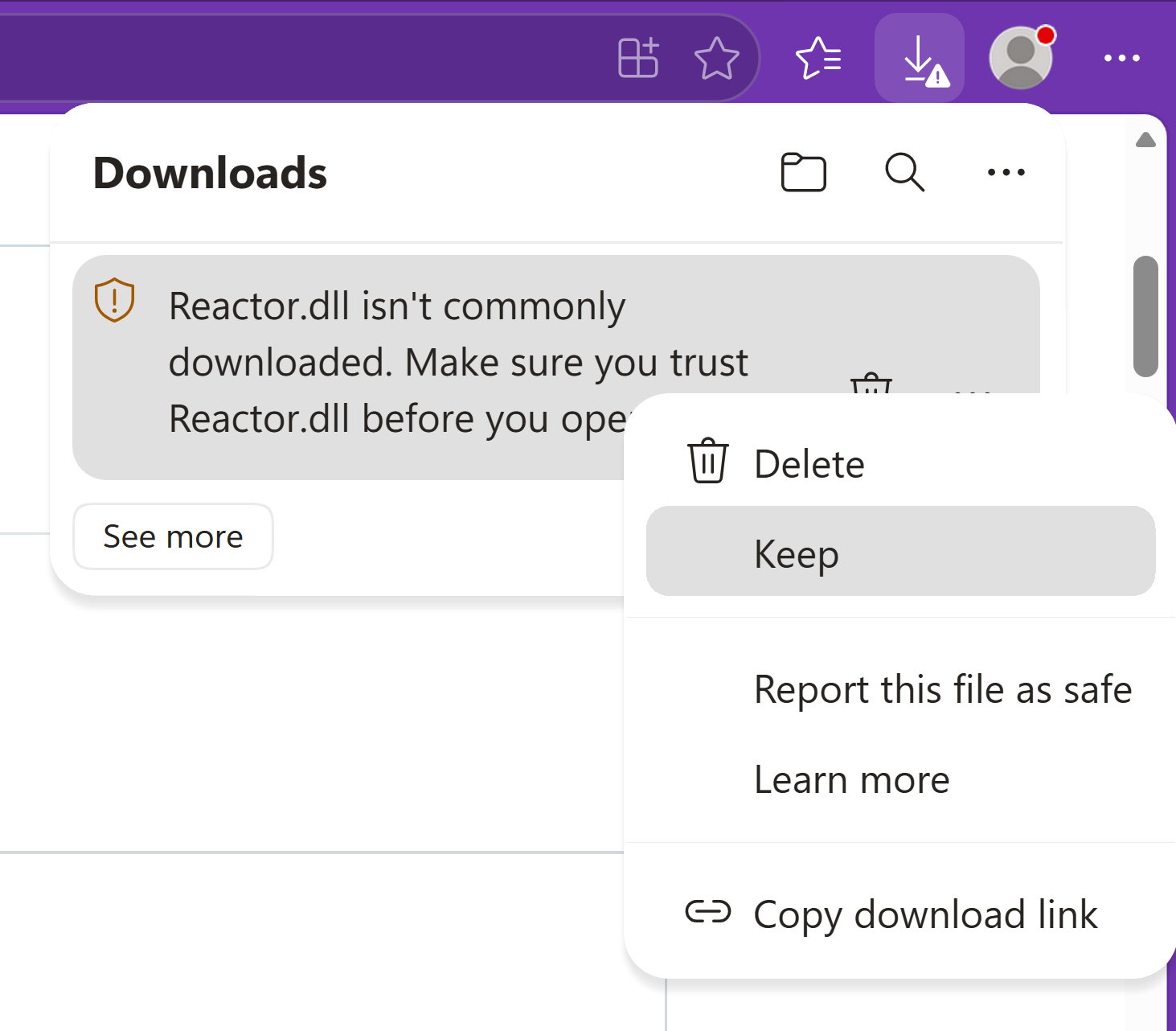
If it doesn't, you can skip to step 3. If it does, you can tell it to keep the file anyway by
- clicking the 3 dots,
- clicking
Keepin the dropdown menu, - clicking the down arrow on the right of the delete button, and
- clicking
Keep anyway.
This is illustrated in the images below, however, it may differ slightly depending on what browser you are using.
Step 3
Locate
your BepInEx folder
and open it, then open
the plugins folder
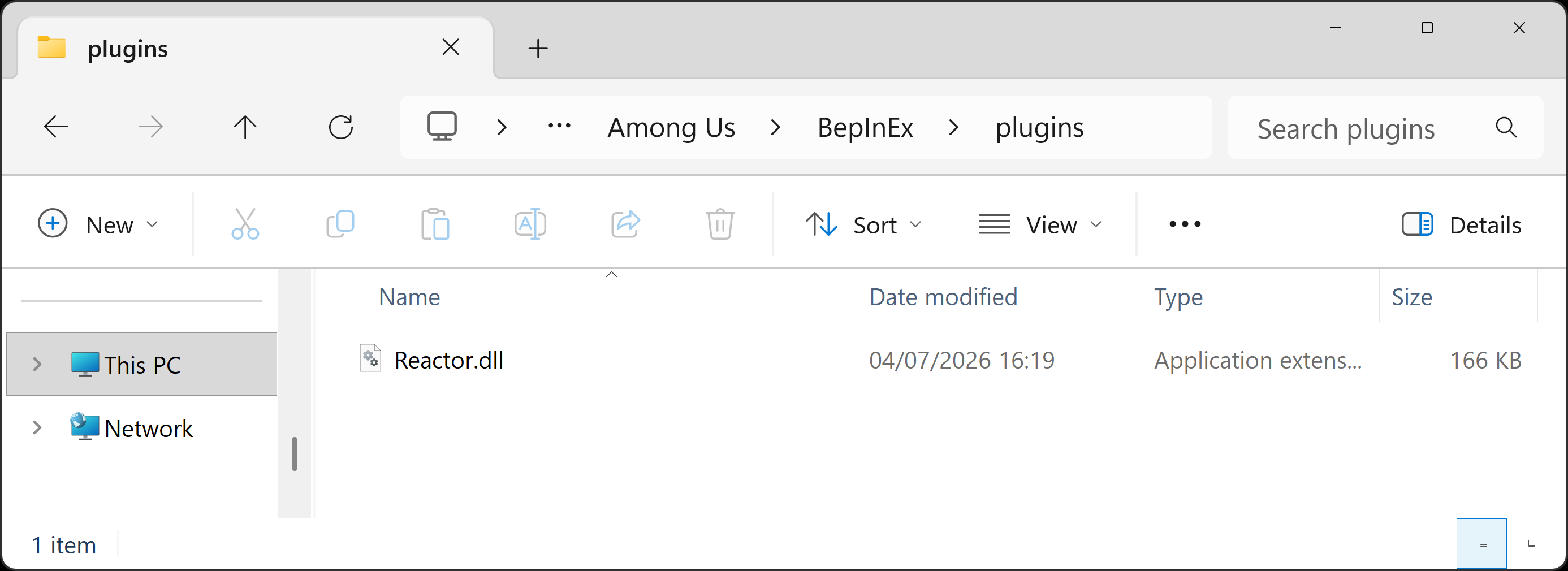
and copy the Reactor.dll file you downloaded into it, so that it looks like the image below: